"Make a slider with two labels at the corners" sounds simple. Turning that sentence into a component that fits your system takes more than a single prompt.
1. Start from Your Tokens
Generation never starts from a blank canvas.
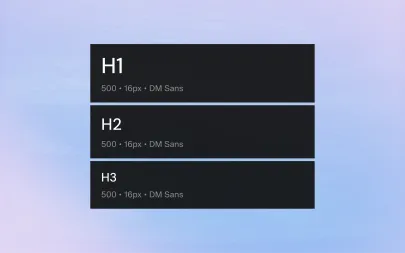
Before anything is drawn, Systemizy reads your workspace tokens — colors, type scale, spacing, radii — so every value in the result already belongs to your system.
2. Patterns Before Pixels
Your existing components are the best reference.
The generator looks at how your buttons, inputs and cards are built — their properties, states and naming — and follows the same patterns for the new component.
3. Structured Output
The result is a real component, not a flat picture.
It comes with auto layout, variants for size and state and properties named the way your team names them.
4. You Stay in Control
Every generated component arrives as a suggestion.
Accept it, decline it or ask for changes in plain English. Nothing enters your library until you approve it.
5. Export When Ready
Approved components sync to Figma with one click, together with any new tokens they introduced.
"Make a slider with two labels at the corners" sounds simple. Turning that sentence into a component that fits your system takes more than a single prompt.
1. Start from Your Tokens
Generation never starts from a blank canvas.
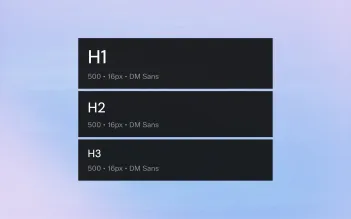
Before anything is drawn, Systemizy reads your workspace tokens — colors, type scale, spacing, radii — so every value in the result already belongs to your system.
2. Patterns Before Pixels
Your existing components are the best reference.
The generator looks at how your buttons, inputs and cards are built — their properties, states and naming — and follows the same patterns for the new component.
3. Structured Output
The result is a real component, not a flat picture.
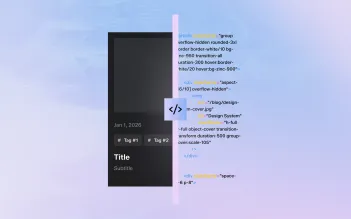
It comes with auto layout, variants for size and state and properties named the way your team names them.
4. You Stay in Control
Every generated component arrives as a suggestion.
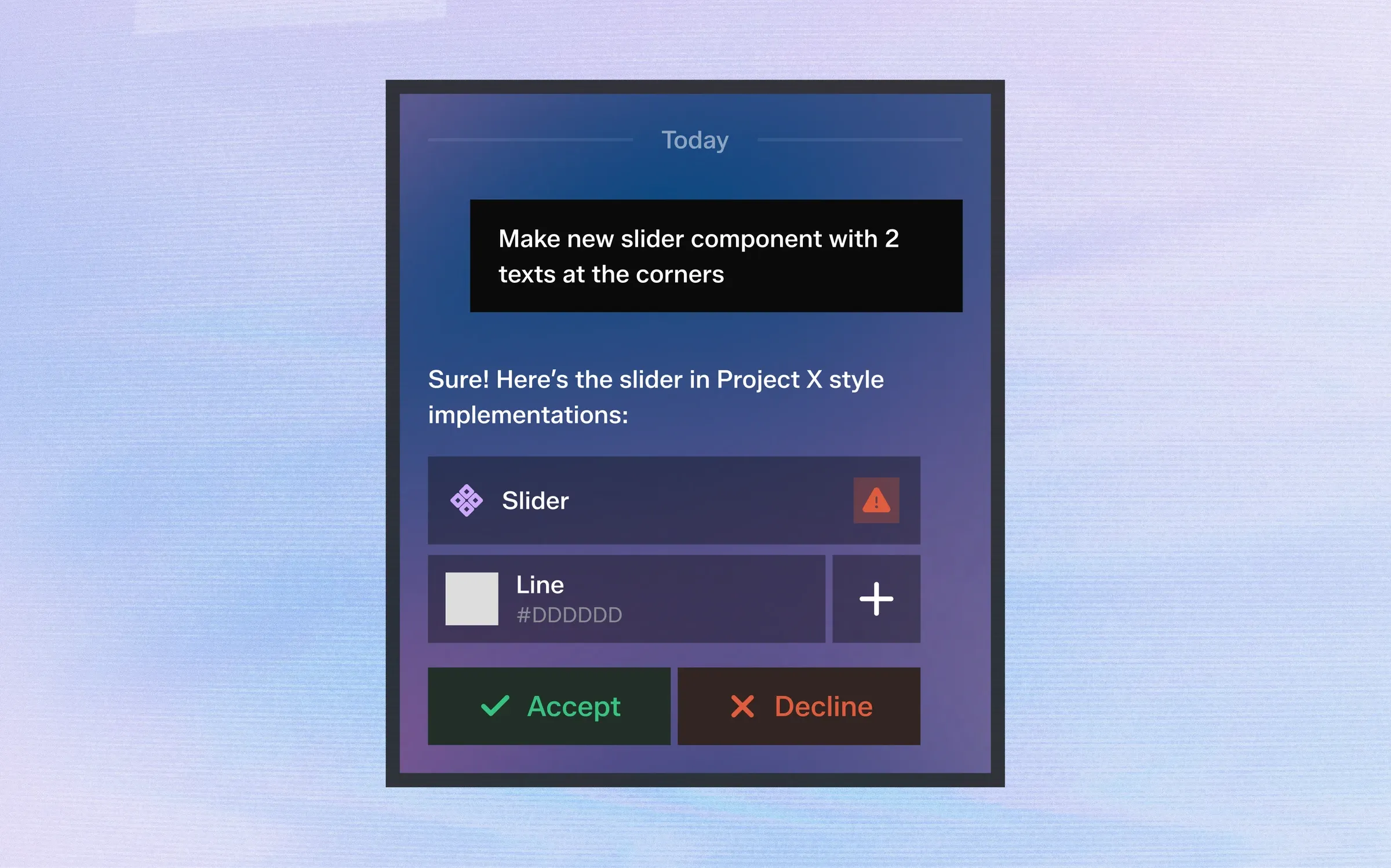
Accept it, decline it or ask for changes in plain English. Nothing enters your library until you approve it.
5. Export When Ready
Approved components sync to Figma with one click, together with any new tokens they introduced.