A reviewer can spot a wrong color from across the room. Nobody can spot a 2px spacing drift on forty screens before a release. That's what automation is for.
1. Decide What "Correct" Means
Automated QA needs a source of truth.
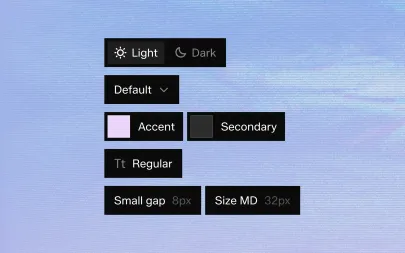
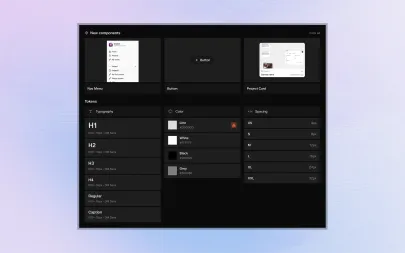
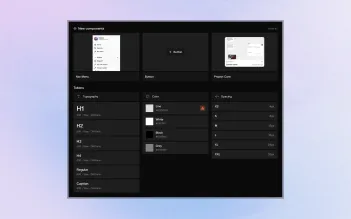
Your tokens and component specs define the expected values; everything else is compared against them.
2. Check Values, Not Screenshots
Pixel diffs flag every anti-aliasing change.
Comparing measured values — sizes, spacing, colors, font sizes — produces far fewer false alarms and far clearer reports.
3. Run Checks on Every Change
QA that runs once before launch finds problems too late.
Run checks whenever a component or page changes, so issues appear next to the change that caused them.
4. Keep Humans for Judgement
Automation answers "does this match?"
People still answer "does this feel right?" — motion, copy, flow and accessibility need a human eye.
5. Share the Results
Put QA reports where designers and developers both look. A shared report turns "who broke it?" into "let's fix it".
A reviewer can spot a wrong color from across the room. Nobody can spot a 2px spacing drift on forty screens before a release. That's what automation is for.
1. Decide What "Correct" Means
Automated QA needs a source of truth.
Your tokens and component specs define the expected values; everything else is compared against them.
2. Check Values, Not Screenshots
Pixel diffs flag every anti-aliasing change.
Comparing measured values — sizes, spacing, colors, font sizes — produces far fewer false alarms and far clearer reports.
3. Run Checks on Every Change
QA that runs once before launch finds problems too late.
Run checks whenever a component or page changes, so issues appear next to the change that caused them.
4. Keep Humans for Judgement
Automation answers "does this match?"
People still answer "does this feel right?" — motion, copy, flow and accessibility need a human eye.
5. Share the Results
Put QA reports where designers and developers both look. A shared report turns "who broke it?" into "let's fix it".